
Best AI Tools
Last updated: April 27, 2026
Quick Answer: The Best AI Tools in 2026 depend on your specific use case. For writing, ChatGPT and Claude lead the pack. For image generation, Midjourney and Adobe Firefly dominate. For coding, GitHub Copilot and Cursor are the go-to choices. Most professionals benefit from using two to three specialized tools rather than one all-in-one solution.
Key Takeaways
- The Best AI Tools are not universal, the right choice depends on your workflow, budget, and skill level.
- Free tiers exist for most major tools, but serious users typically need a paid plan ($10–$30/month per tool).
- ChatGPT, Claude, and Gemini are the strongest general-purpose AI assistants as of 2026.
- Midjourney remains the top choice for high-quality AI image generation; Adobe Firefly suits commercial-safe needs.
- GitHub Copilot and Cursor are the most widely adopted AI coding assistants among professional developers.
- AI tools for video (Runway, Sora) have matured significantly and are now viable for small production teams.
- Combining tools, for example, Claude for drafting and Midjourney for visuals, often outperforms any single platform.
- Always verify AI-generated content before publishing; accuracy errors remain a consistent risk across all platforms.
What Are the Best AI Tools Available Right Now?
The Best AI Tools in 2026 span six major categories: text generation, image creation, coding assistance, video production, data analysis, and automation.
Each category has two or three clear leaders, and the right tool depends almost entirely on what you’re trying to accomplish.
Here’s a category-by-category breakdown of the top performers:
Text and Writing AI
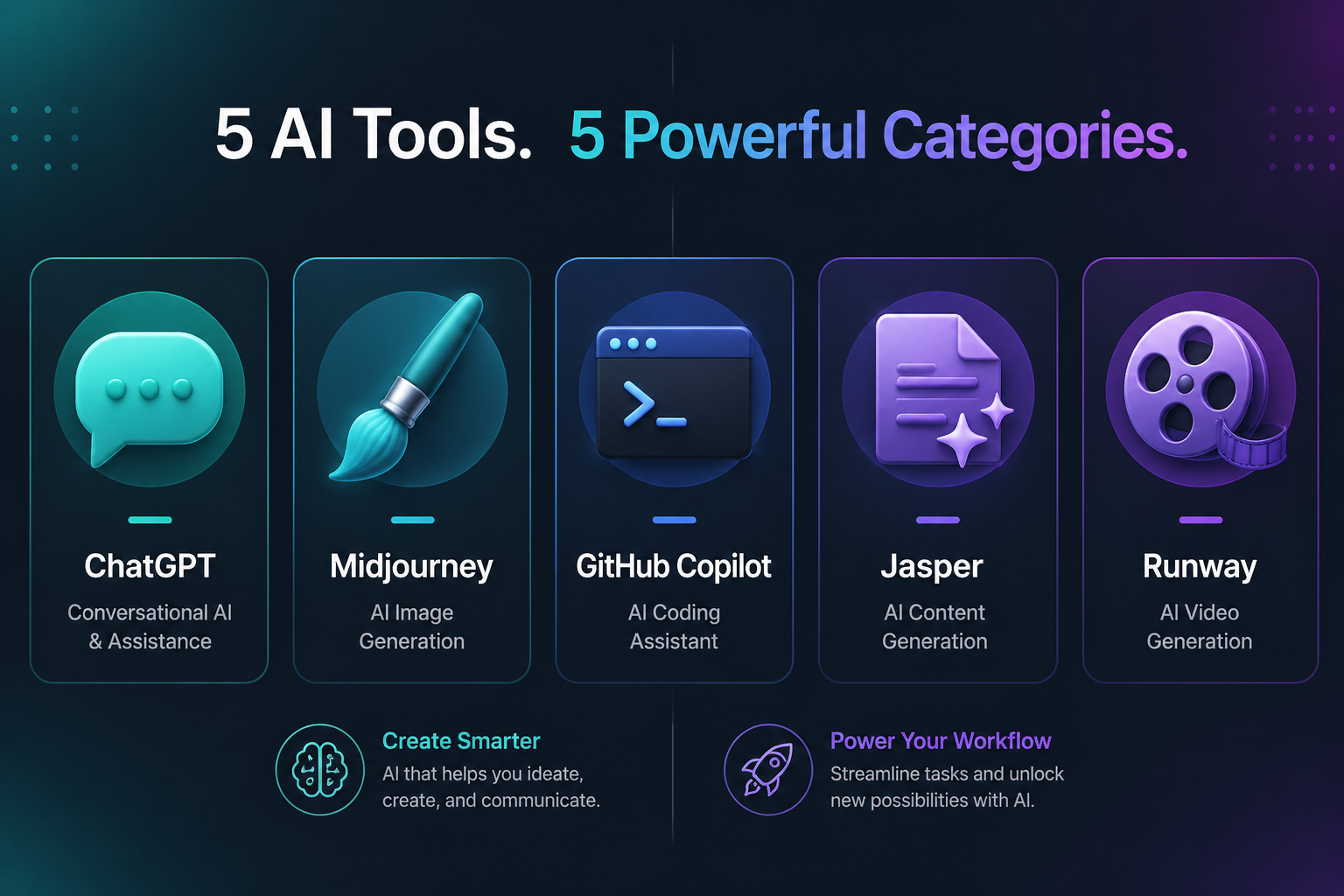
- ChatGPT (OpenAI) — Best for general-purpose writing, brainstorming, and long-form content. GPT-4o handles complex reasoning well.
- Claude (Anthropic) — Preferred for nuanced writing, document analysis, and tasks requiring careful instruction-following.
- Gemini Advanced (Google) — Strong for research tasks, especially when real-time web access matters.
- Jasper — Built specifically for marketing teams; includes brand voice controls and campaign templates.
Image Generation AI
- Midjourney — Produces the most aesthetically refined outputs; best for creative and editorial work.
- Adobe Firefly — Commercially safe (trained on licensed content); integrates directly with Adobe Creative Cloud.
- DALL-E 3 — Built into ChatGPT; convenient for quick visual drafts without switching platforms.
Coding AI
- GitHub Copilot — Industry standard for in-editor code completion; integrates with VS Code, JetBrains, and more.
- Cursor — A full AI-native code editor that handles multi-file edits and codebase-wide context.
- Replit AI — Best for beginners and rapid prototyping in a browser-based environment.
Video AI
- Runway Gen-3 — Leading tool for text-to-video and video editing with AI.
- Sora (OpenAI) — Produces high-fidelity video clips; still limited in output length but improving fast.
Automation and Productivity
- Zapier AI — Connects apps and builds automated workflows using natural language instructions.
- Notion AI — Embedded AI inside Notion workspaces; useful for summarizing, drafting, and organizing notes.
💡 Decision rule: If you need one tool to start with, choose ChatGPT Plus or Claude Pro. Both handle the widest range of tasks and cost roughly $20/month. Add specialized tools (Midjourney, Copilot) as your needs grow.
How Do the Best AI Tools Compare on Price?
Most top AI tools follow a freemium model: a limited free tier plus a paid plan that unlocks higher usage limits, better models, and advanced features.
| Tool | Free Tier | Paid Plan (Monthly) | Best For |
|---|---|---|---|
| ChatGPT | Yes (GPT-4o limited) | $20 (Plus) / $30 (Team) | General writing, coding, research |
| Claude | Yes (limited) | $20 (Pro) | Long documents, nuanced writing |
| Gemini | Yes | $20 (Advanced) | Research, Google Workspace users |
| Midjourney | No | $10 / $30 / $60 | Image generation |
| GitHub Copilot | No (trial only) | $10 (Individual) | Code completion |
| Cursor | Yes | $20 (Pro) | AI-native code editing |
| Runway | Yes (limited credits) | $15–$35 | Video generation |
| Jasper | No | $49+ | Marketing copy |
| Adobe Firefly | Yes (limited) | Included in Creative Cloud | Commercial-safe images |
Common mistake: Paying for multiple overlapping tools. ChatGPT Plus already includes DALL-E 3 image generation and basic code execution. Audit what’s bundled before adding subscriptions.

Which Best AI Tools Are Right for Your Use Case?
The right AI tool depends on three factors: your primary task, your technical comfort level, and how often you’ll use it. Here’s a direct matching guide.
ChatGPT Plus if you:
- Need a single tool for writing, research, coding help, and image drafts
- Work across multiple domains and want flexibility
- Are new to AI tools and want the most well-documented option
Claude Pro if you:
- Regularly work with long documents (contracts, reports, research papers)
- Need precise instruction-following with minimal “creative” interpretation
- Write content where tone and nuance matter more than speed
Midjourney if you:
- Produce creative, editorial, or artistic visual content regularly
- Can tolerate a Discord-based interface (or use third-party frontends)
- Want the highest image quality available without Adobe’s ecosystem
GitHub Copilot if you:
- Write code professionally and want in-editor suggestions
- Use VS Code, JetBrains, or Neovim as your primary editor
- Work on established codebases where context awareness matters
Cursor if you:
- Want an AI that understands your entire project, not just the current file
- Frequently refactor or debug across multiple files
- Prefer a full IDE built around AI rather than a plugin
Edge case: Freelancers who work across design, writing, and light coding often get the best value from a ChatGPT Plus subscription combined with Adobe Firefly (included in existing Creative Cloud plans). This covers most tasks without additional cost.
How to Build a Productive AI Tool Stack
A good AI tool stack in 2026 usually has three layers: a core assistant, a specialized creative or technical tool, and an automation layer.
Step 1: Pick your core assistant. This is the tool you’ll use daily for drafts, research, and problem-solving. ChatGPT Plus or Claude Pro are the two strongest options.
Step 2: Add one specialist tool. Based on your primary output — code, images, or video — add one dedicated tool. Don’t add more than one in the same category.
Step 3: Connect tools with automation. Use Zapier AI or Make (formerly Integromat) to connect your AI tools with the apps you already use (Slack, Google Docs, Notion, email).
Step 4: Set a review process. AI tools generate errors, outdated information, and occasionally confident-sounding inaccuracies. Build a quick fact-check step into any workflow before content goes live.
⚠️ Common mistake: Treating AI output as final. Every professional workflow should include a human review step, especially for factual claims, legal language, or client-facing content.
What Are the Biggest Limitations of AI Tools?
Even the best AI tools have consistent failure modes that users need to plan around.
Accuracy: All current large language models (LLMs) can produce plausible-sounding but incorrect information, especially on recent events, niche topics, or specific data points. Tools with live web access (Gemini, ChatGPT with browsing) reduce but don’t eliminate this problem.
Context limits: Most tools handle long documents well now, but very large codebases or multi-document research tasks can still exceed context windows or lose coherence near the end of long sessions.
Consistency: AI image generators and writing tools don’t maintain consistent style or voice across sessions without careful prompting or system instructions. Marketing teams using Jasper or ChatGPT for brand content need to invest time in prompt templates.
Cost at scale: Free tiers run out fast under heavy use. A team of five using ChatGPT, Midjourney, and Runway can spend $200–$400/month on AI tools alone. Budget accordingly.
Copyright and legal gray areas: AI-generated content — especially images and code — sits in an evolving legal space. Adobe Firefly is the safest option for commercial image use because it’s trained on licensed content.
For other tools, review your organization’s IP policies before publishing AI-generated work.
How Are Teams Using the Best AI Tools in 2026?
Across marketing, software development, and content production, teams have settled into a few consistent patterns.

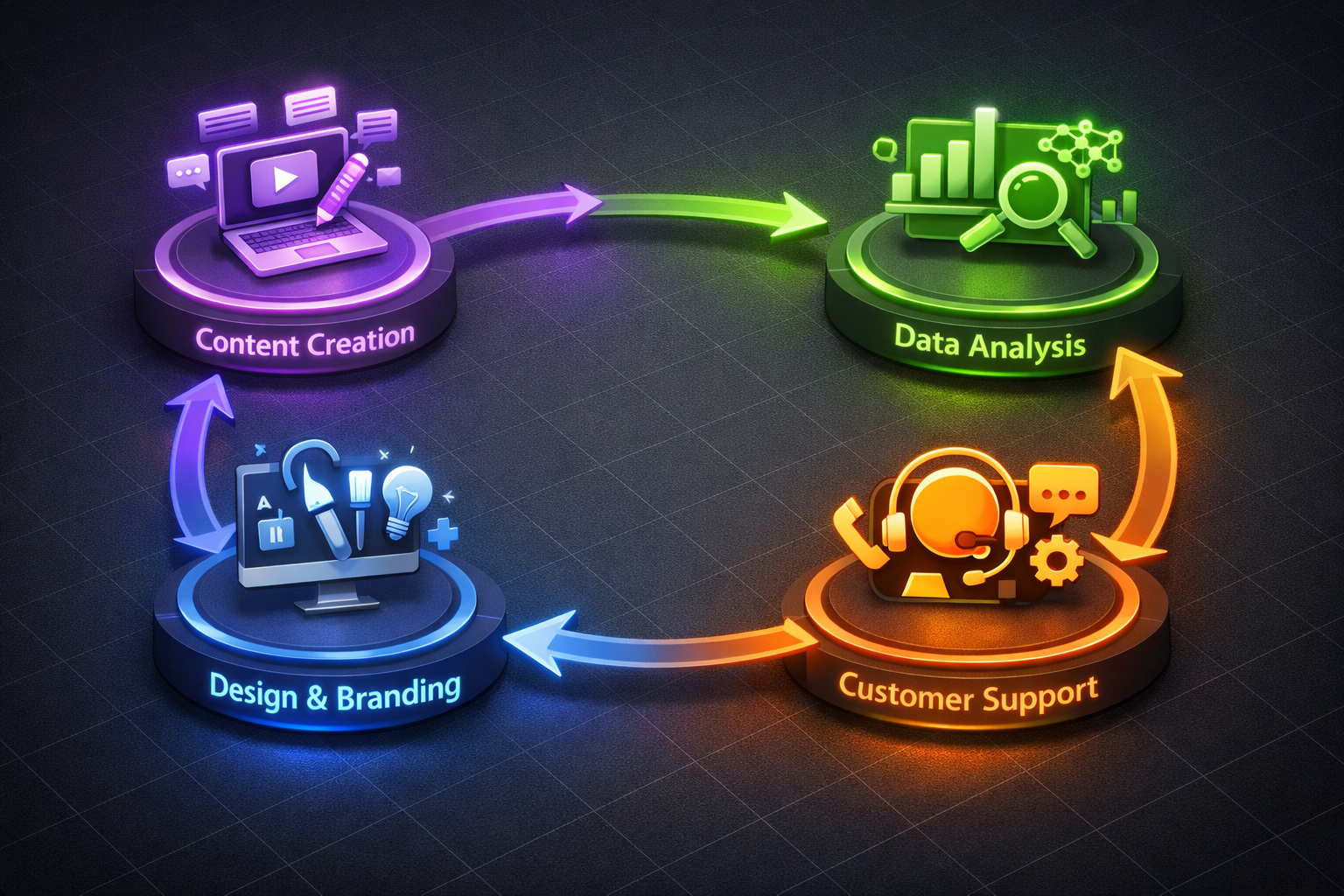
Marketing teams typically use Claude or ChatGPT for copy drafts, Midjourney or Firefly for visual assets, and a scheduling tool like Buffer with AI features for distribution. The biggest productivity gain comes from using AI to produce first drafts, not final copy.
Development teams lean on GitHub Copilot for day-to-day coding and Cursor for larger refactoring tasks. Many also use ChatGPT for debugging help and documentation writing.
Content creators and agencies often run a three-tool stack: ChatGPT for research and outlines, Claude for polished drafts, and Midjourney or Runway for visuals and short video clips.
Solo professionals (consultants, freelancers, researchers) get the most value from a single premium subscription — usually ChatGPT Plus or Claude Pro — and use it across every task rather than spreading budget across multiple tools.
FAQ: Best AI Tools
Q: What is the single best AI tool for beginners?
ChatGPT (free tier or Plus) is the best starting point. It handles the widest range of tasks, has the largest community of tutorials and guides, and the interface is straightforward.
Q: Is Claude better than ChatGPT?
For long documents and precise instruction-following, Claude often outperforms ChatGPT. For general versatility, image generation, and plugin integrations, ChatGPT has the edge. Most power users keep both.
Q: Are free AI tools good enough for professional use?
Free tiers work for occasional use, but professional workflows hit usage limits quickly. Paid plans ($10–$20/month) are worth it if you use AI tools more than a few hours per week.
Q: Which AI image generator is best for commercial use?
Adobe Firefly is the safest choice for commercial projects because it’s trained exclusively on licensed and public domain content. Midjourney and DALL-E 3 have usage rights that vary by plan — check the terms before commercial publication.
Best AI Tools: FAQs
Q: Can AI tools replace human writers or designers?
Not reliably. AI tools accelerate production and handle first drafts well, but they require human judgment for accuracy, brand voice, and creative direction. The most effective use is AI-assisted work, not AI-only output.
Q: What AI tool is best for coding?
GitHub Copilot is the most widely used and integrates with the most editors. Cursor is the better choice if you want an AI-native environment that understands your full codebase.
Q: How do I avoid AI-generated errors in published content?
Always run a human review pass. Factual claims, cross-check against primary sources. For code, test in a staging environment before deployment. For legal or medical content, have a qualified professional review before use.
Q: Are AI tools secure for sensitive business data?
Most consumer AI tools (ChatGPT, Claude) use your inputs to improve their models unless you opt out or use an enterprise plan. If you’re handling sensitive client data, use enterprise versions with data privacy agreements or self-hosted models.
Conclusion
The Best AI Tools in 2026 are genuinely useful, but only when matched to the right task and used with realistic expectations.
Start with one core assistant (ChatGPT Plus or Claude Pro), add one specialist tool based on your primary output type, and build a simple review process to catch errors before they reach clients or audiences.
Actionable next steps:
- Identify your top three recurring tasks and match them to the tool categories above.
- Start a free trial of your top candidate before committing to a paid plan.
- Spend one week using the tool daily to understand its strengths and failure points.
- Add a second tool only after you’ve maximized value from the first.
- Revisit your stack every quarter, this space moves fast, and the best option today may not be the best option in six months.
The goal isn’t to use more AI tools. It’s to use the right ones well.

References
- OpenAI. (2024). ChatGPT product overview. https://openai.com/chatgpt
- Anthropic. (2024). Claude model overview. https://www.anthropic.com/claude
- GitHub. (2024). GitHub Copilot documentation. https://docs.github.com/en/copilot
- Adobe. (2024). Adobe Firefly commercial use terms. https://www.adobe.com/products/firefly.html
- Midjourney. (2024). Midjourney subscription plans. https://www.midjourney.com/account


Pingback: Baby Love Growth AI Review 2026: Honest SEO Tool Analysis
Pingback: AI Agent For Inbox Management: 2026 Buyer's Guide